Monitoring usage costs
Understand calling, SMS, and subscription pricing in SupporterBase
SupporterBase costs are made up of Calling and SMS usage and Subscription charges.
Calling and SMS usage
How costs are managed:
- SupporterBase monitors phone/SMS usage across your organisation monthly.
- We cover your monthly phone rental costs as part of your subscription.
- Charges from our third-party provider (Twilio) for calling and SMS usage are passed on as an itemised invoice.
- Discounts (if applicable) are applied during the invoice process.
- You will be billed to your nominated card monthly for your communication usage.
Minimising costs
- The SMS blast form carries a note under the message field with a link labelled this tool, which opens a segment counter so you can check how many segments your SMS will be.
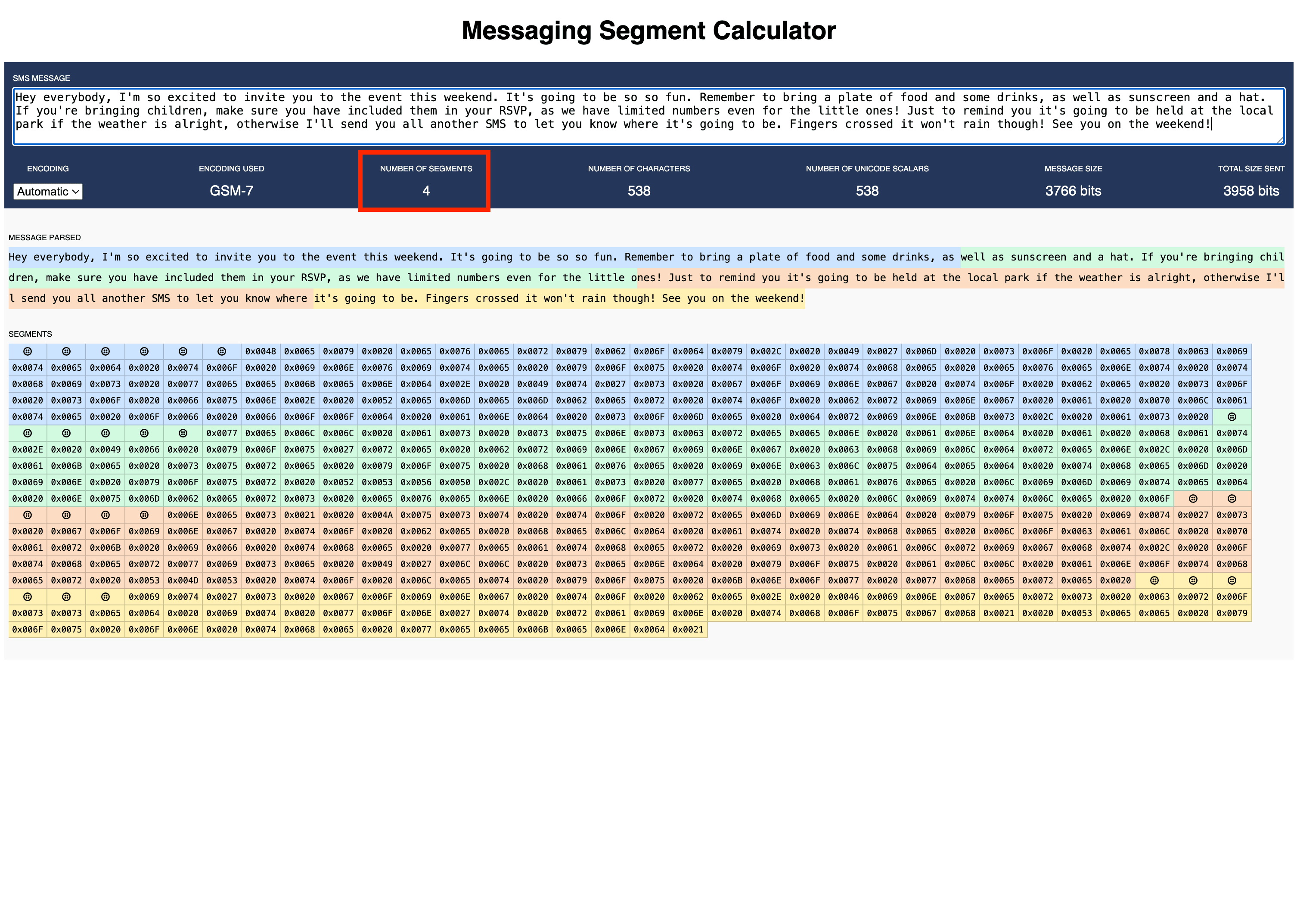
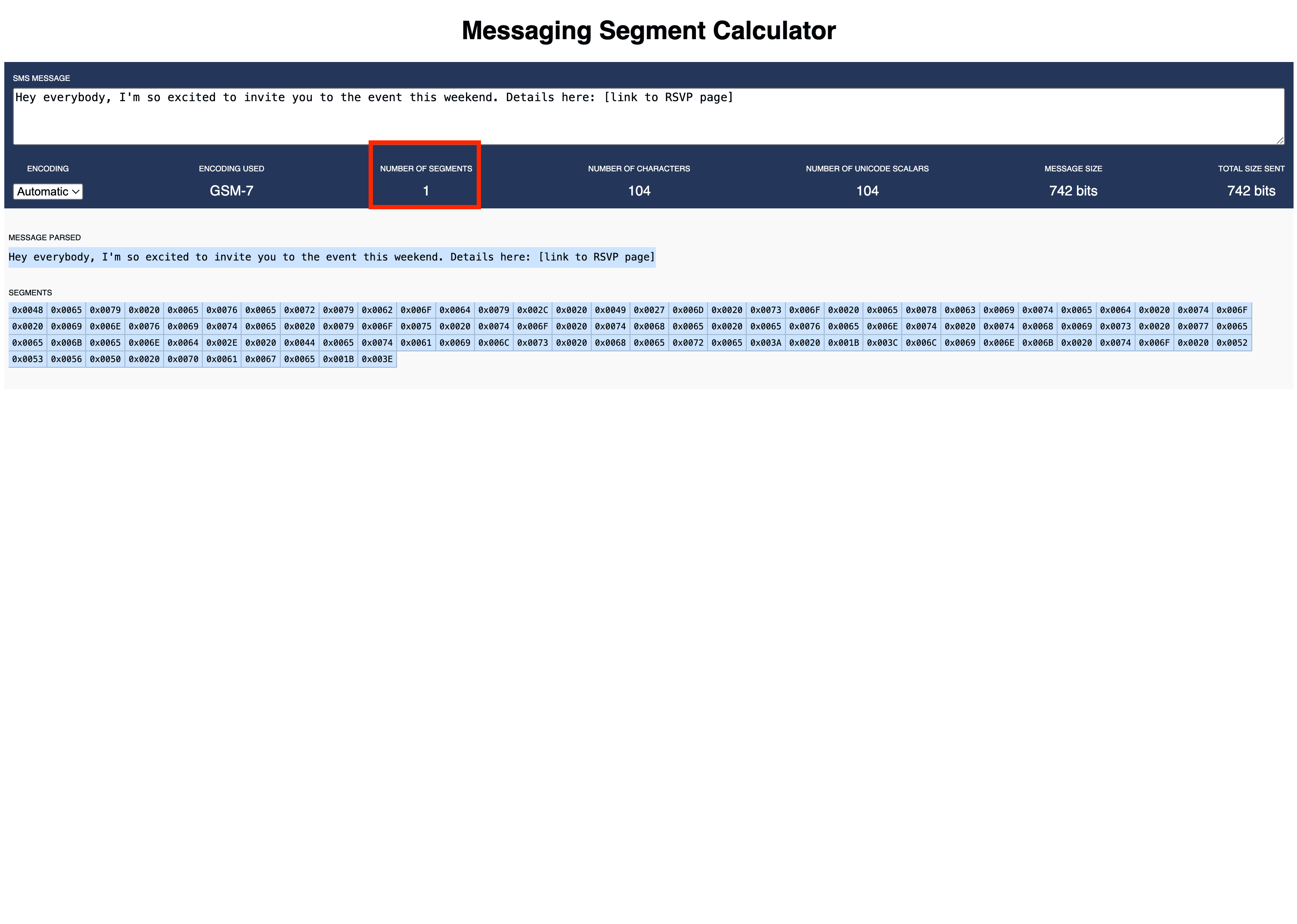
- Sending long SMS or using non-standard characters (such as emojis, accented letters, or unusual symbols) can cause messages to split into multiple parts, which increases costs.
SMS segment costs
Segment length is crucial for accurately calculating the cost of your SMS, especially when sending large volume SMS blasts. Learn how segments are calculated here.
Setting up or changing your payment method
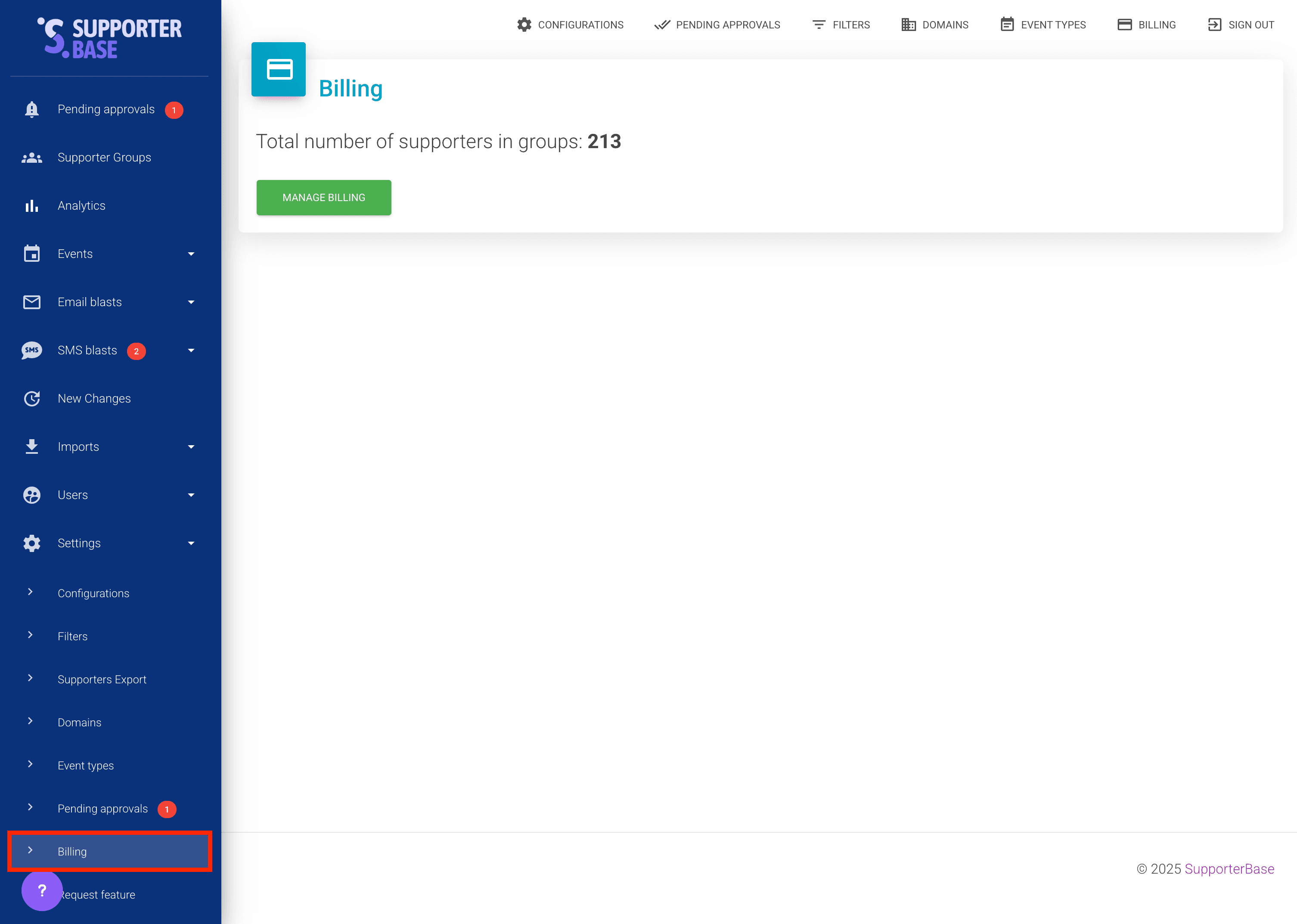
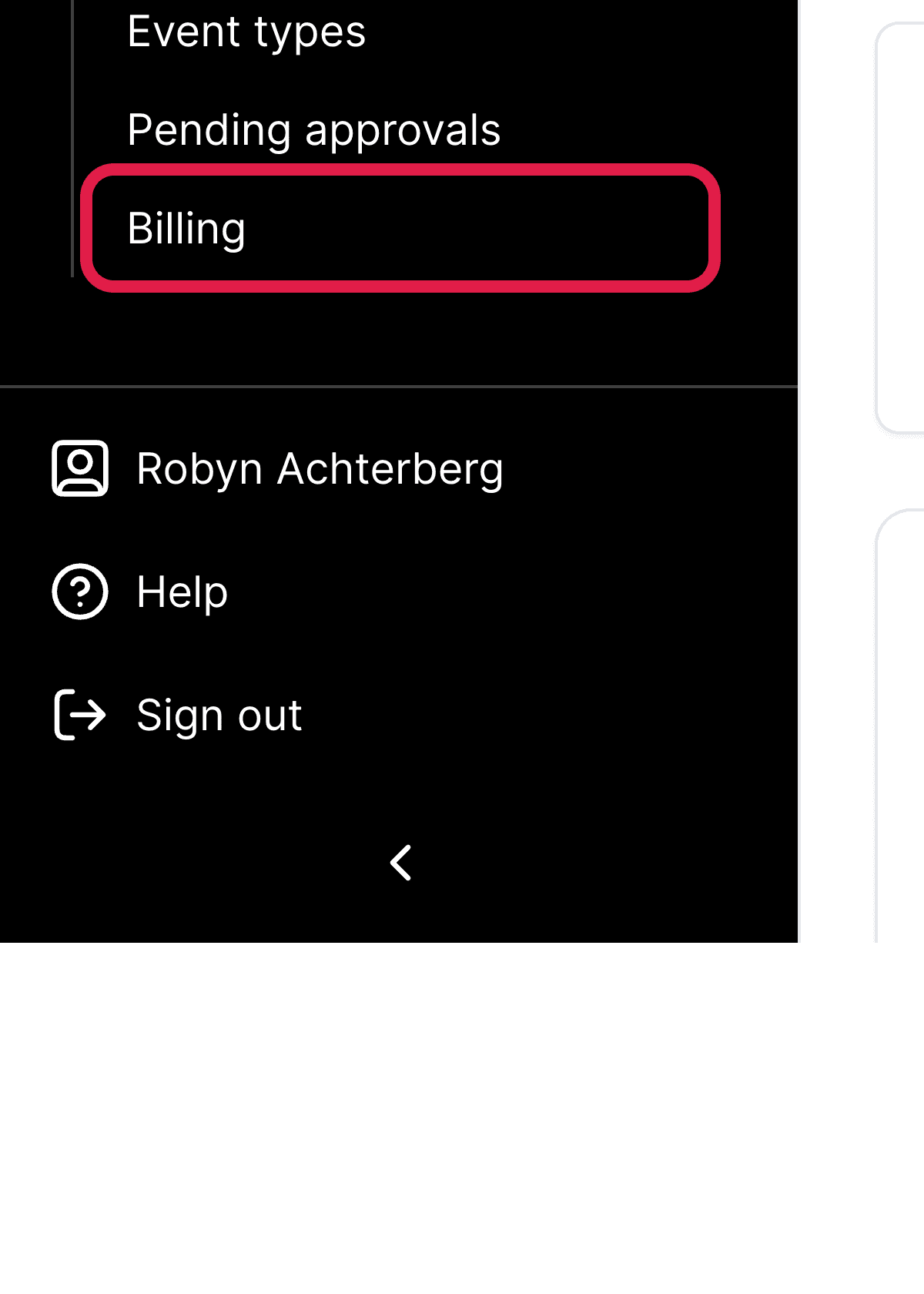
- Click Settings > Billing in the left-hand menu.
- Click the green Manage billing button.
- Here you can view your invoice history and either update or add a new card.
Subscription charges
Subscriptions are either based on a monthly or yearly subscription model. If you are interested in converting to a yearly subscription at a discounted rate, please contact our team now.
| What sets the price | How it works |
|---|---|
| Supporter numbers | The total number of supporters in groups, not the size of your nation. A supporter in several groups is only counted once, and the billing page shows the figure as Total number of supporters in groups. |
| Pricing tiers | If your supporter numbers grow into the next tier by the end of the billing period, the higher rate will apply from the start of the next billing period. |
Billing portal access
You can review expected charges at any time on Settings > Billing, which shows your next payment date and, based on current usage, what your next bill will total. SupporterBase reports your supporter count to Stripe once a day, so the expected total tracks your current supporter numbers. Only admins can open the billing page.