Phone number troubleshooting
Resolve common issues with phone numbers, SMS, and call features
One of the most common support issues in SupporterBase is phone numbers: supporters not showing up in call lists or SMS blasts, or the call/SMS buttons appearing greyed out when they should not be.
Symptoms
Match what you are seeing to a row, then read the matching section below.
| What you see | Where the cause usually sits |
|---|---|
| A supporter is missing from SMS blasts and call lists, and the SMS button is greyed out | No valid mobile number on the profile |
| The call and SMS buttons are greyed out on a supporter who has a number | A contact preference opt-out, or NationBuilder preferences |
| A blast or call list holds fewer people than you expected | Missing numbers, opt-outs, filters, or the call spacing setting |
Supporter has no valid mobile number
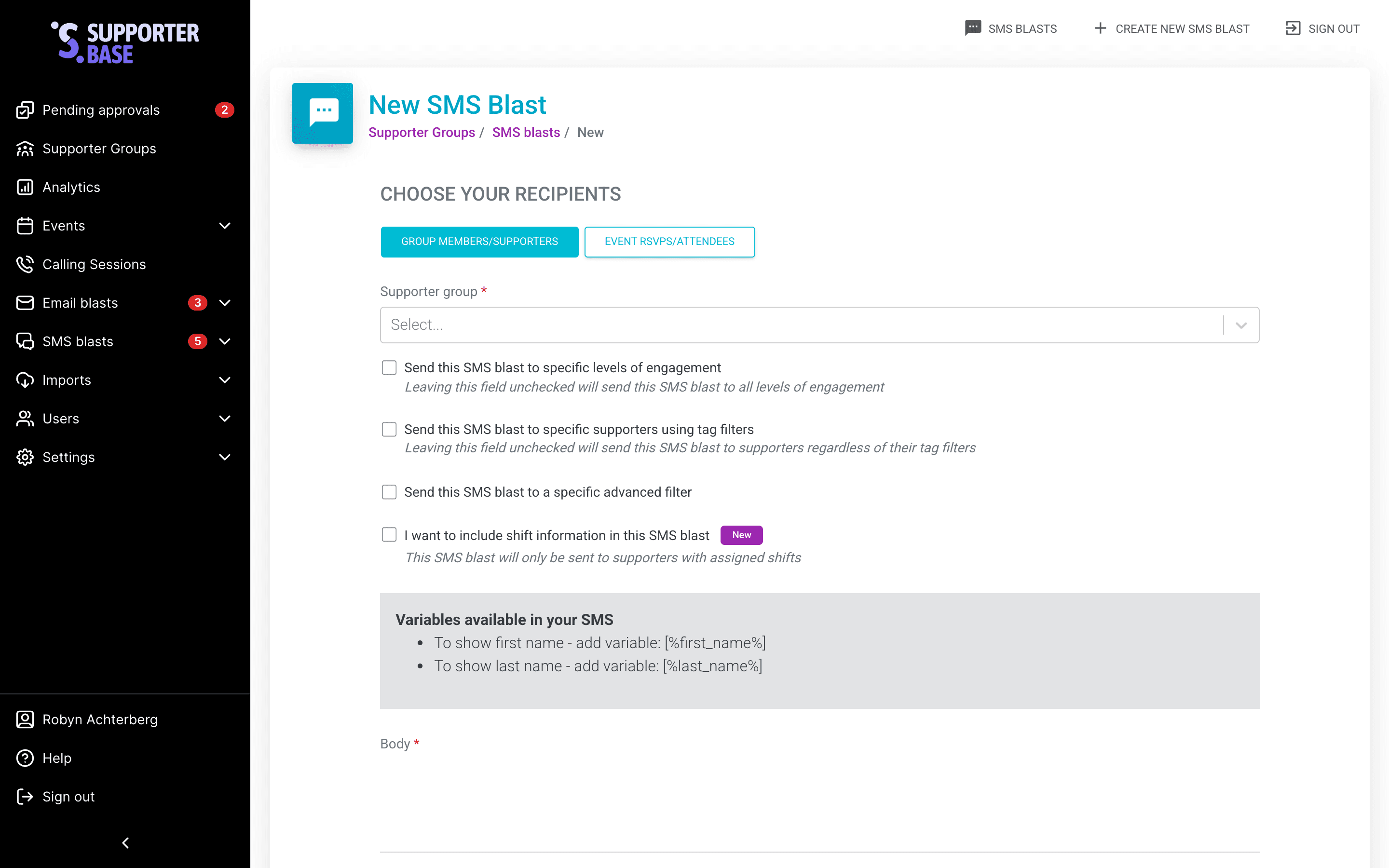
The supporter doesn't appear in SMS blasts or call lists, and the SMS button is greyed out. Only mobile numbers work for SMS.
- Admins should check the supporter profile: SupporterBase will not recognise a number that was entered into the home phone field, or one that is a home phone number.
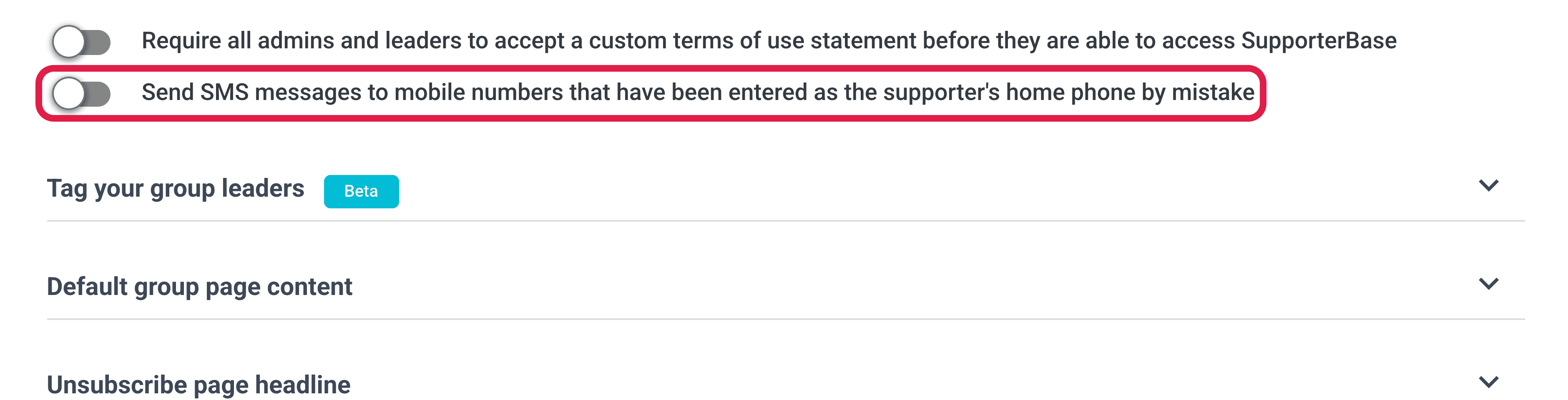
- Under Settings > Configurations you can set a global fix for mobile numbers being entered into the home phone field.
- Toggle on Send SMS messages to mobile numbers that have been entered as the supporter's home phone by mistake.
Contact method greyed out despite valid number
The supporter has a phone number, and the call and SMS buttons are greyed out. Two things cause this:
- The supporter has opted out of phone or SMS for this group.
- Their NationBuilder preferences override the SupporterBase defaults, where your organisation has configured that.
Check the supporter's preferences
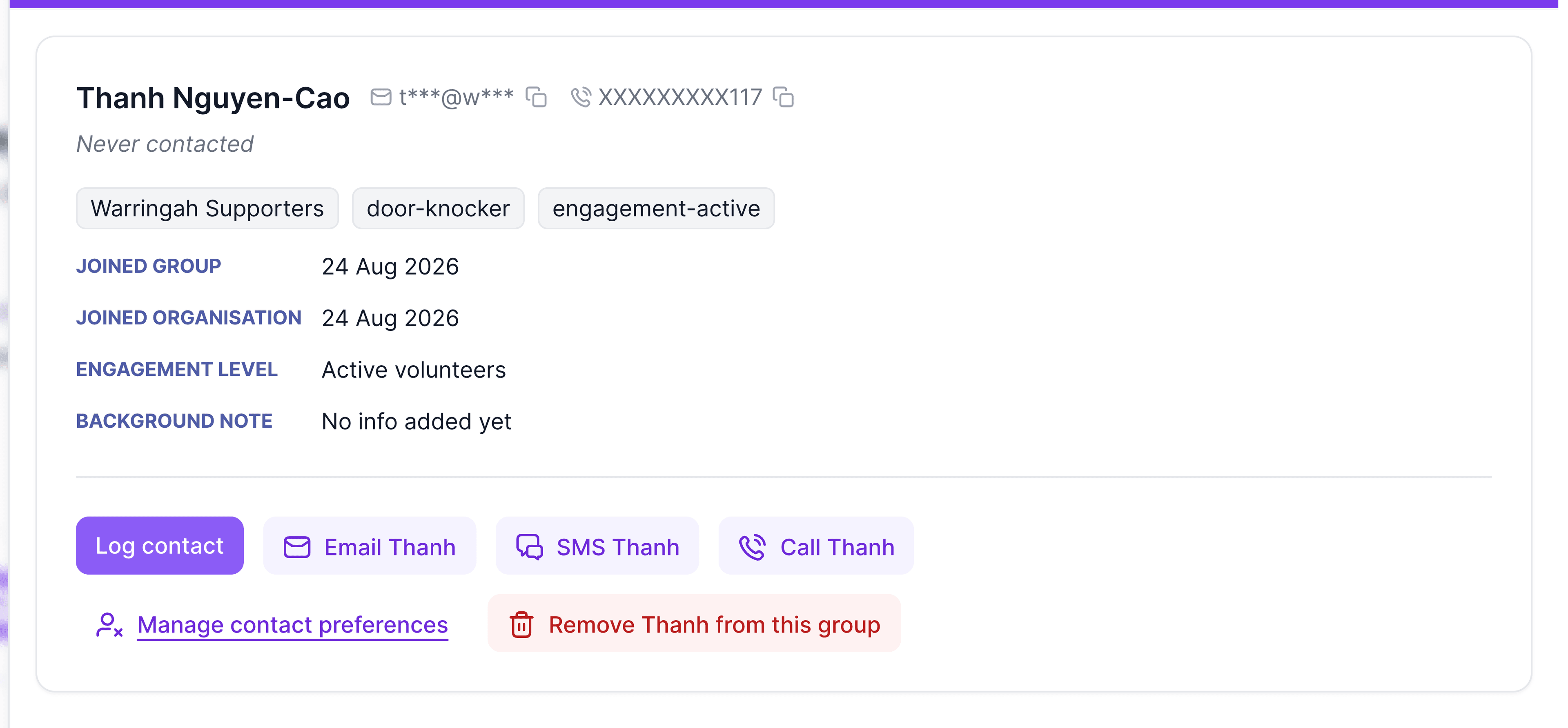
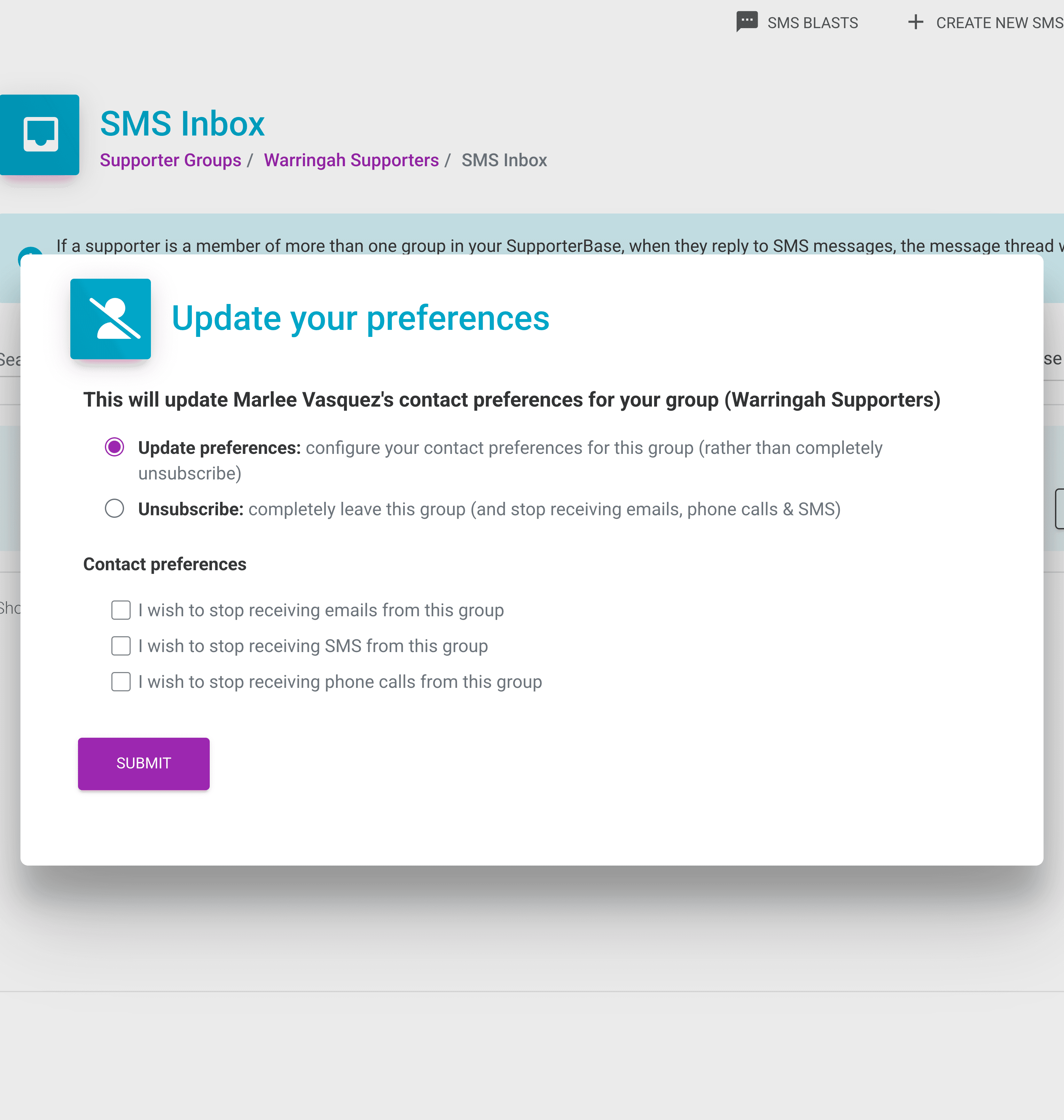
Check the supporter's contact preferences via the Manage contact preferences button on their detailed supporter profile. If they have been incorrectly unsubscribed, update their subscriptions on that form.
Check the NationBuilder configuration
If they are still blocked, confirm whether your organisation has enabled the Apply NationBuilder contact preferences and unsubscribes in addition to SupporterBase contact preferences and unsubscribes configuration.
Fewer people than expected in SMS blast or call list
A scheduled SMS or call list shows fewer recipients than you expected. Any of these will do it:
- Missing or invalid phone numbers.
- Supporters who have opted out of SMS or phone contact.
- Filters applied to the group or the blast.
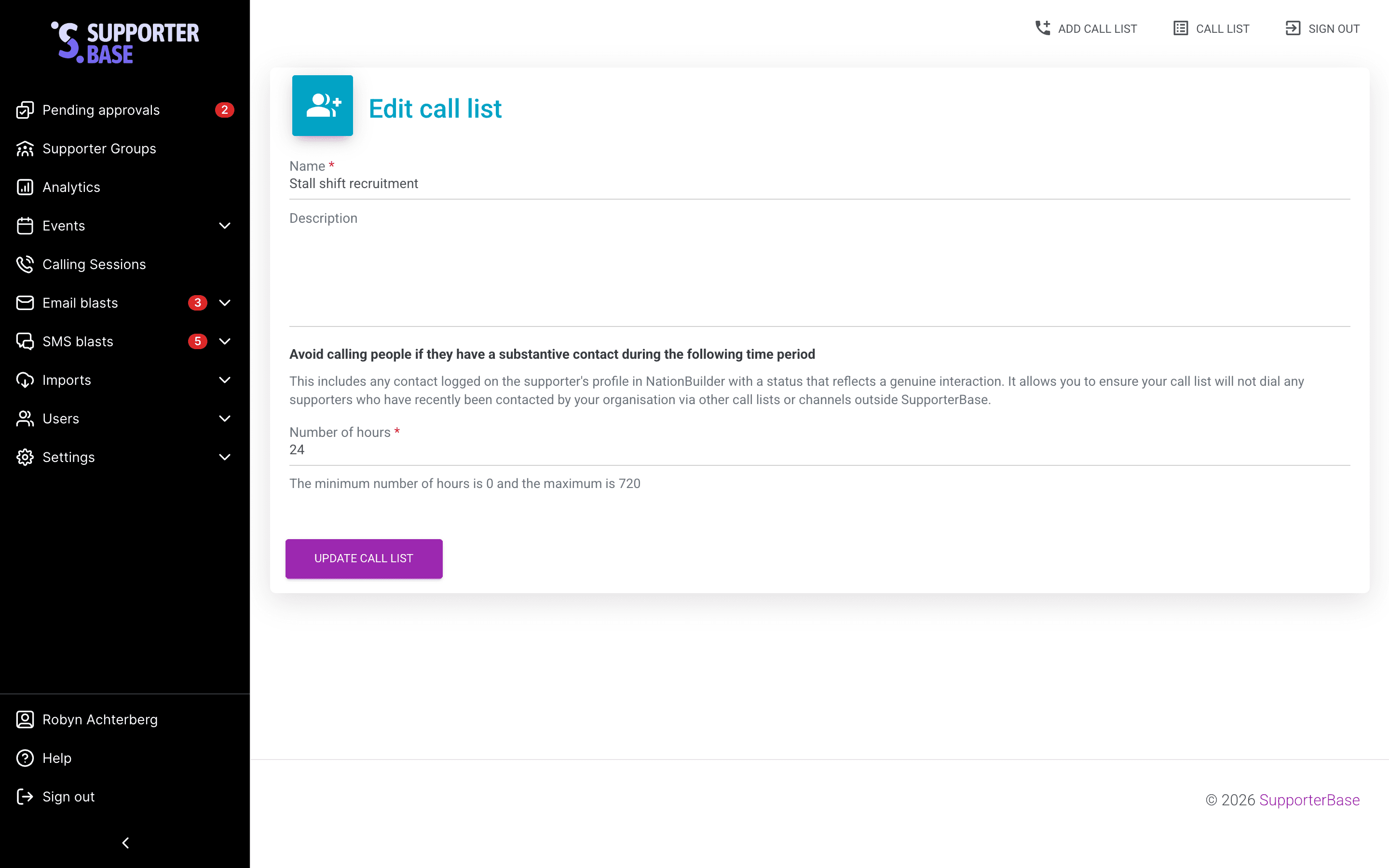
- The Minimum time between calls setting preventing rapid follow-ups.
To find out which:
- Run a supporter export to see who has valid numbers and who has opted out.
- Check group filters and exclusion tags.
- If using a call list, review the Minimum time between calls setting for your call list via the blue Edit button on your call list screen and in your global settings.