

Configure public pages for groups
Edit your group's public page, description, and event display settings
Every supporter group has a public page that anyone can visit. It carries the description you write and the group's upcoming events.
Viewing your group's public page
Navigate to your group
Go to Supporter groups in the left-hand navigation and open your group.
Open the public page
On the group profile, click View public page.
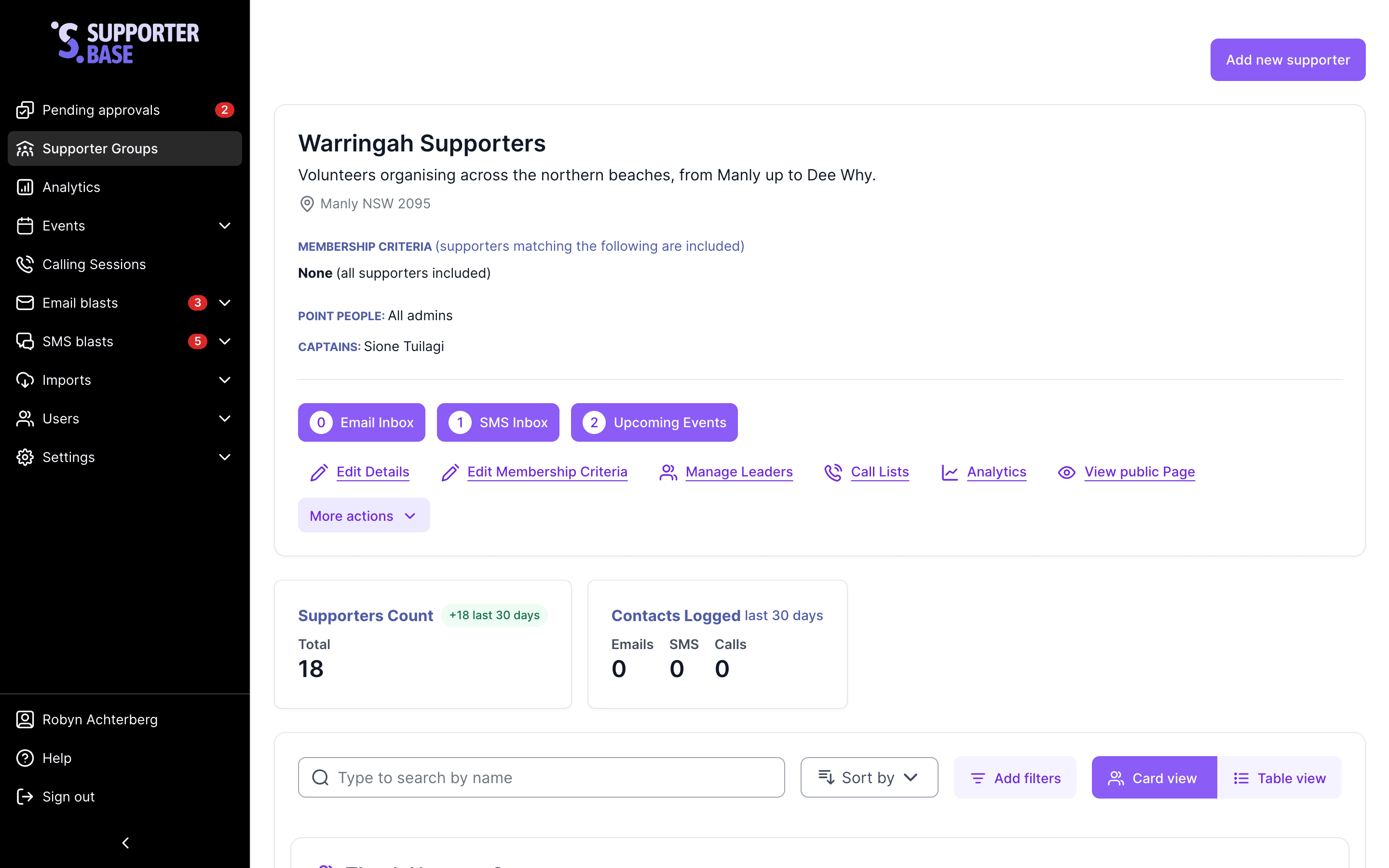
Editing your group's public page content
Navigate to your supporter group
Open the group from Supporter groups in the left-hand navigation.
Open the editor
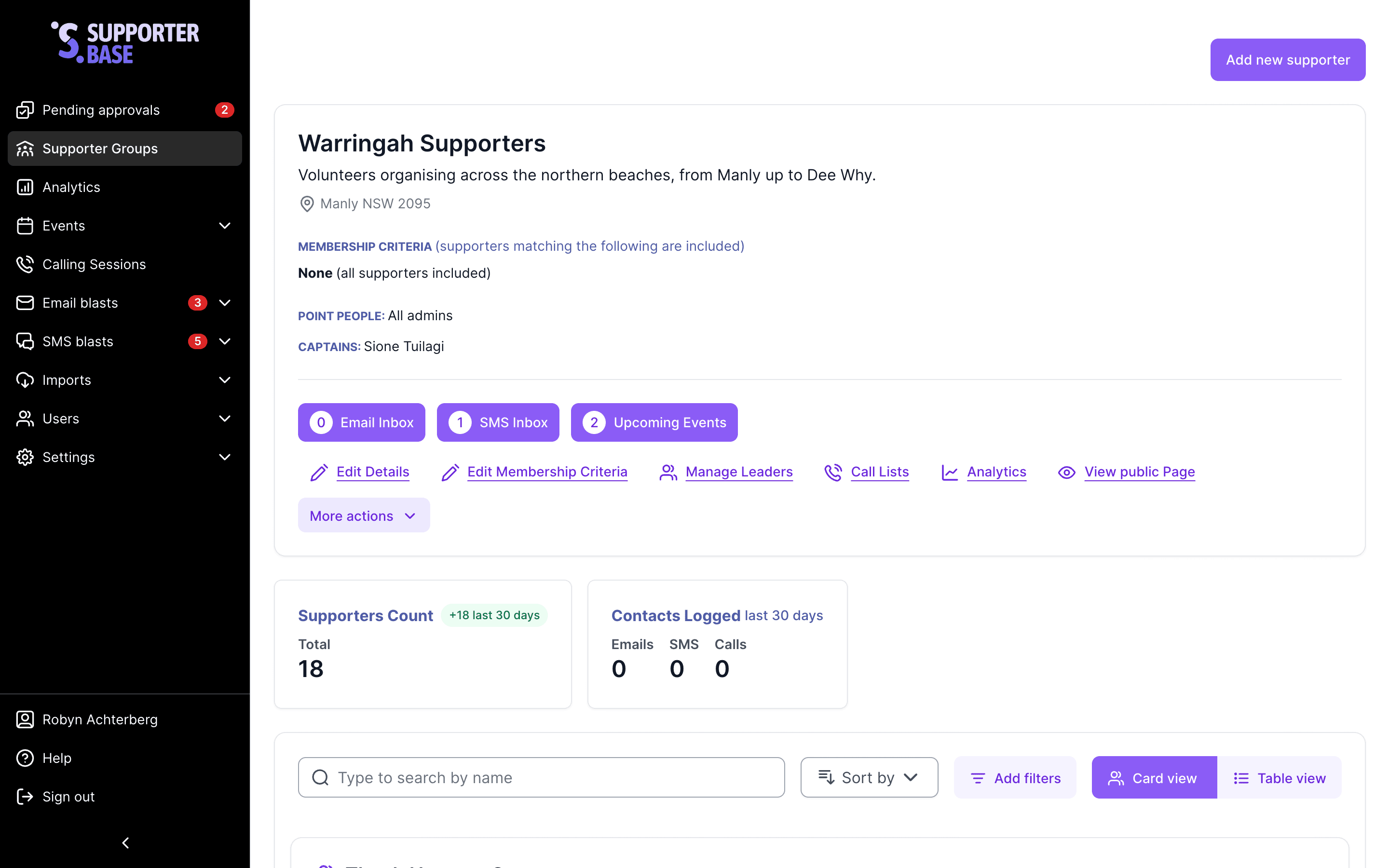
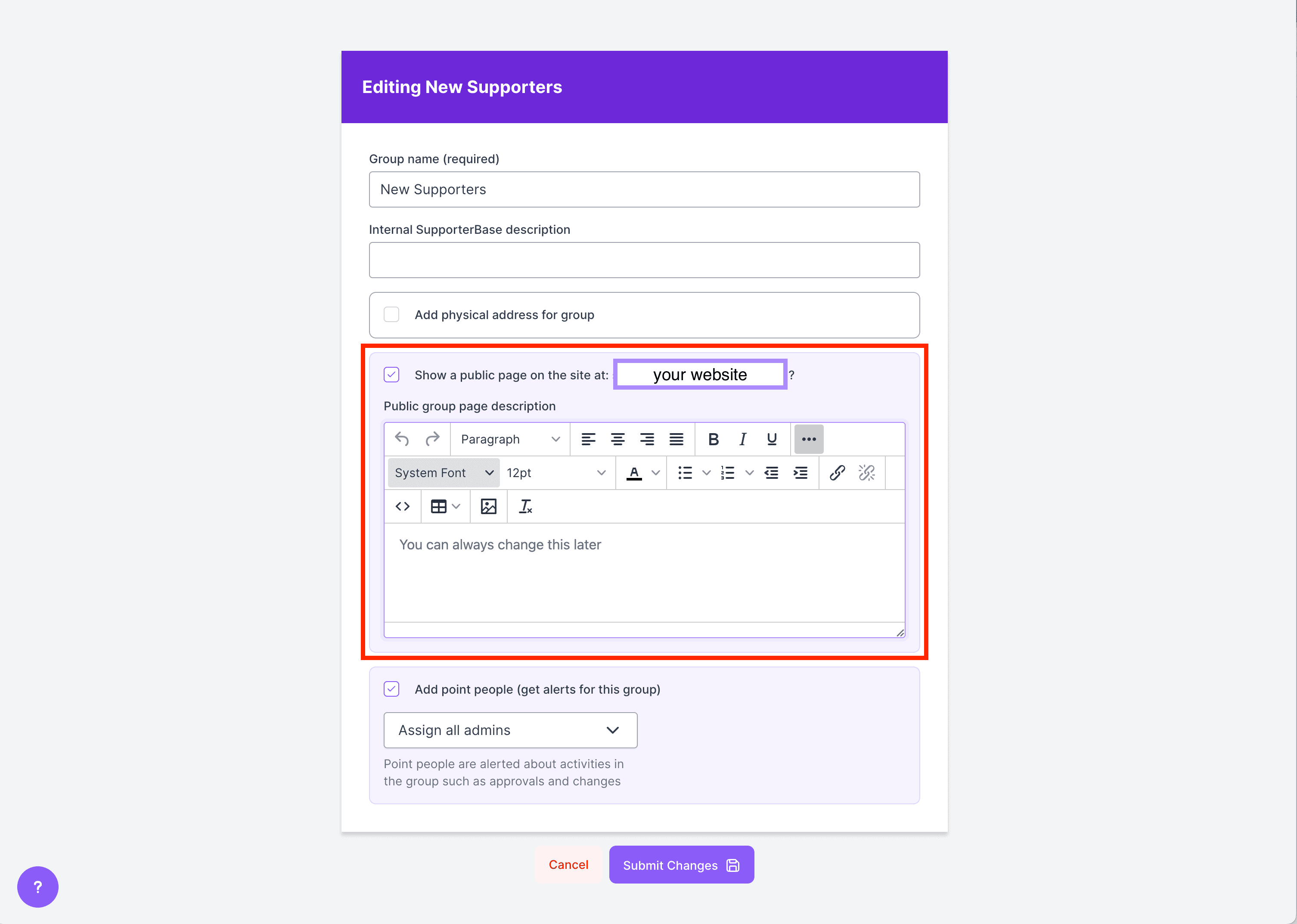
On the group profile, click More actions, then Edit public page. A pop-up opens with a Public page description editor, where you can write or edit the description of your group and its purpose.
Save
Click Save changes when you are done.
Adding images
Click the ellipses on the right-hand side for more options, including adding an image to your group description.
Automatic event display
All upcoming group events are automatically displayed on your public page.
Updating permissions for editing
By default, only admins and group captains can edit public group pages. An admin can extend that to vice-captains.
Open the General configurations
Go to Settings > Configurations > General in the left-hand menu.
Turn the setting on
Find Vice-captains can edit the content on public group pages for groups they lead and toggle it on.