

Tag your group leaders automatically
Keep captains and vice-captains tagged on their profiles automatically
Leader tagging puts a tag on your captains' and vice-captains' supporter profiles, so you can find them as a group. It keeps the tags correct as people become leaders and step down, so nobody has to remember to do it by hand.
Admins only, and marked Beta
This lives under Settings > Configurations, on the General tab, in a section headed Tag your group leaders and badged Beta. Only admins can reach it.
Turning it on
Open Configurations
Go to Settings > Configurations and stay on the General tab.
Expand the section
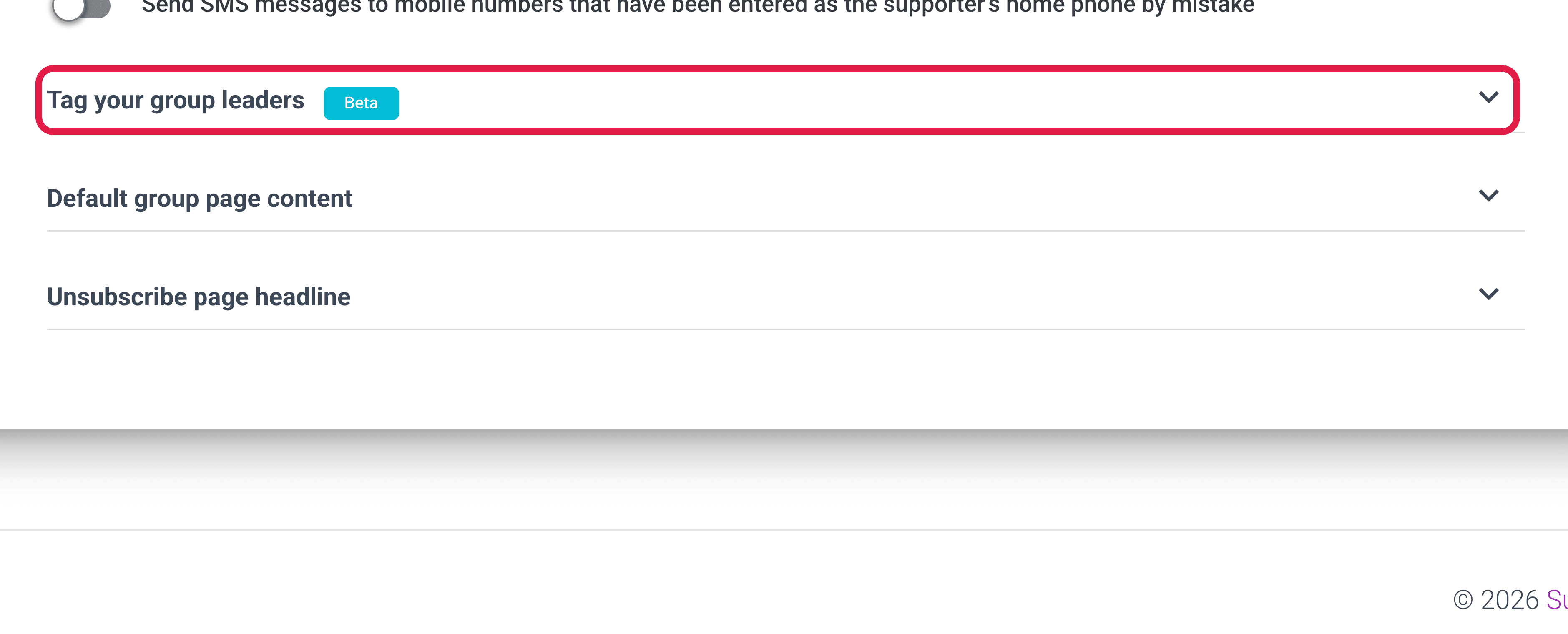
Expand the section headed Tag your group leaders.
Turn on the toggle
Turn on Keep my group leaders tagged, and the tag fields appear once it's on.
Set a tag for each role
Set these three fields to whatever your organisation already uses:
- Captain tags
- Vice-captain tags
- Admin tags
Save
Click Save, and existing leaders are tagged straight away, with the tags maintained from then on.
More than one tag per role
Each role takes more than one tag if you need it, which is useful when you're migrating. Keep the tag your nation already relies on, and add a new one alongside it.
What it does from then on
The tags update themselves as leadership changes. Promote a supporter to captain and they're tagged; remove them and the tag goes.
Where the tags work
The tags sit on the supporter profile like any other, so they work everywhere tags already work:
- Tag filters
- Blast targeting
- Call lists
- Your NationBuilder sync
Choosing tag names
Pick tags you'll recognise in your nation
These tags sync to NationBuilder along with everything else, so choose names that will make sense to whoever looks at your nation. captain is clearer than sb-leader-1.
Turning it off
Switch Keep my group leaders tagged off and save, and the feature stops maintaining the tags.
What happens to tags already applied
Tags already applied stay where they are, so turning it off doesn't strip your leaders of their tags. If you want them gone you'll need to remove them yourself.