

Set up the weekly new group members digest
Turn on the weekly digest email, see what it contains, and check who receives it
The weekly digest is an email that tells group leaders who joined their groups in the past week. It arrives every Monday morning with one card per group, a count of new members, and a link straight to those people.
Make the digest your Monday habit
The digest lands with the week's new members already filtered for you. Opening it and sending a short welcome email or SMS takes a few minutes and reaches people while joining is still fresh in their minds.
Who receives the weekly digest
Only captains and vice-captains receive it, for the groups they lead. Admins do not, because the digest is built around group leadership, not organisation-wide access. An admin who also wants it can add themselves as a captain or vice-captain of a group.
Turning the weekly digest on
- Go to Settings > Configurations and stay on the General tab.
- Find Send weekly new group members digest email to leaders and turn it on.
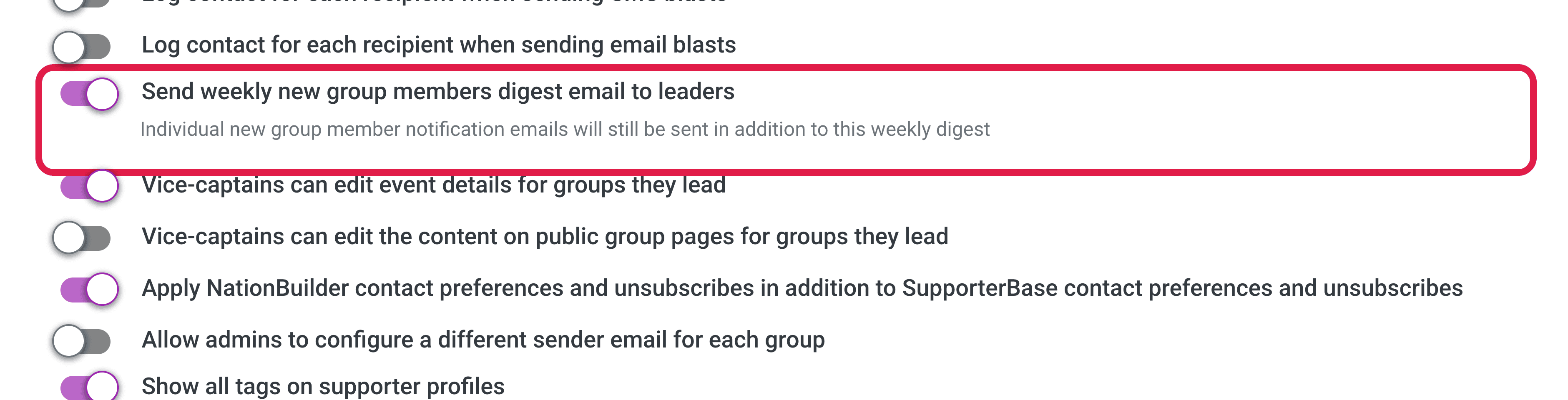
Individual new group member notifications carry on as before. The weekly digest is added alongside them, so turning it on does not replace or reduce anything your leaders already receive.
When it sends and what it covers
The weekly digest goes out every Monday at 9:00 am in your organisation's time zone, and covers the previous Monday to Sunday.
Anyone who joined a group during that week is counted, whether they came through a public page form, an import, or auto-tagging.
What the email contains
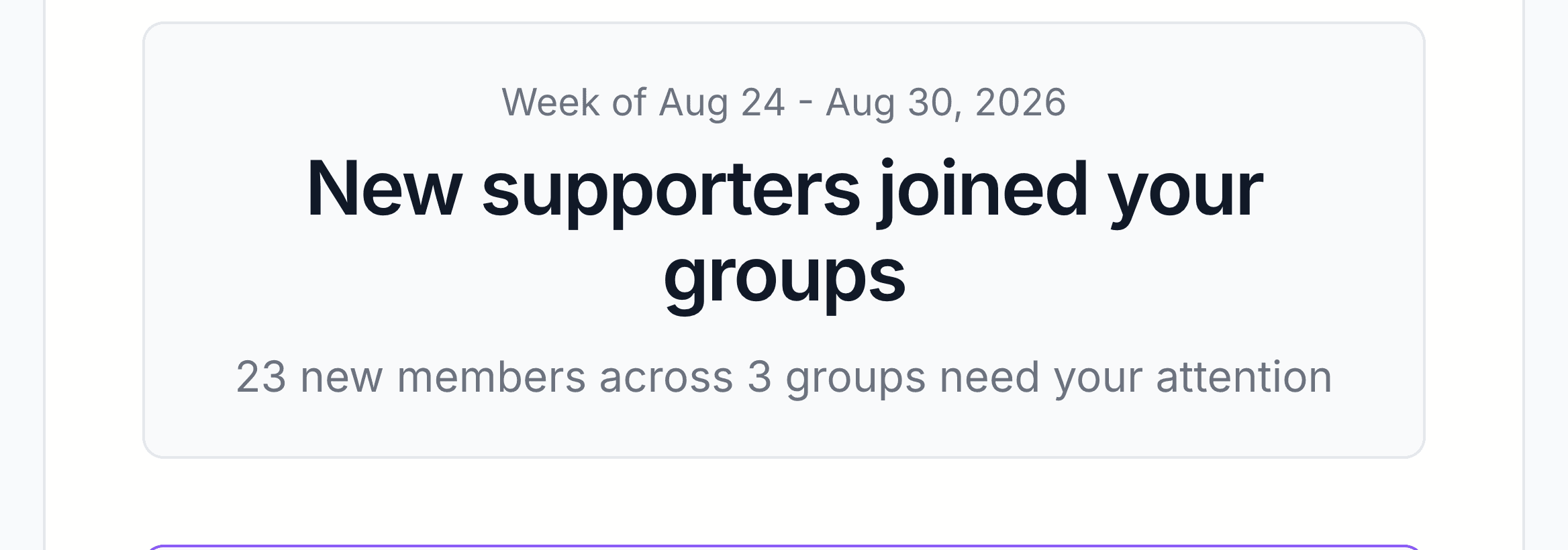
The header
The top of the email names the week and summarises it in one line, such as "23 new members across 3 groups need your attention".
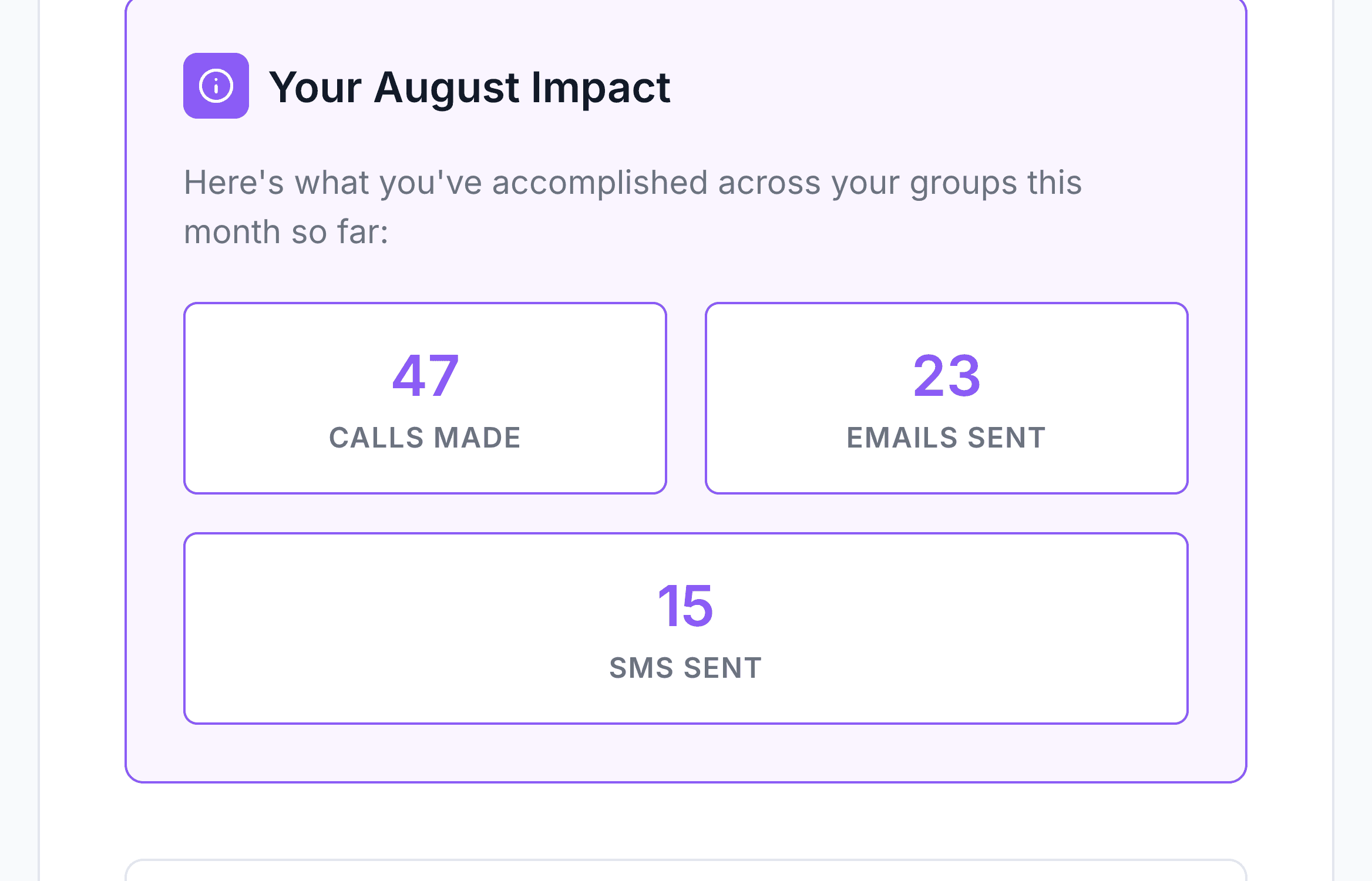
Your monthly impact
Below the header is a count of the calls, emails, and SMS you personally sent this month, across the groups you lead. It runs from the first of the month to today, and resets each month.
One card per group
Each group you lead that gained members gets its own card, showing the number who joined, the most recent person to join and their join date, and a View new members button.
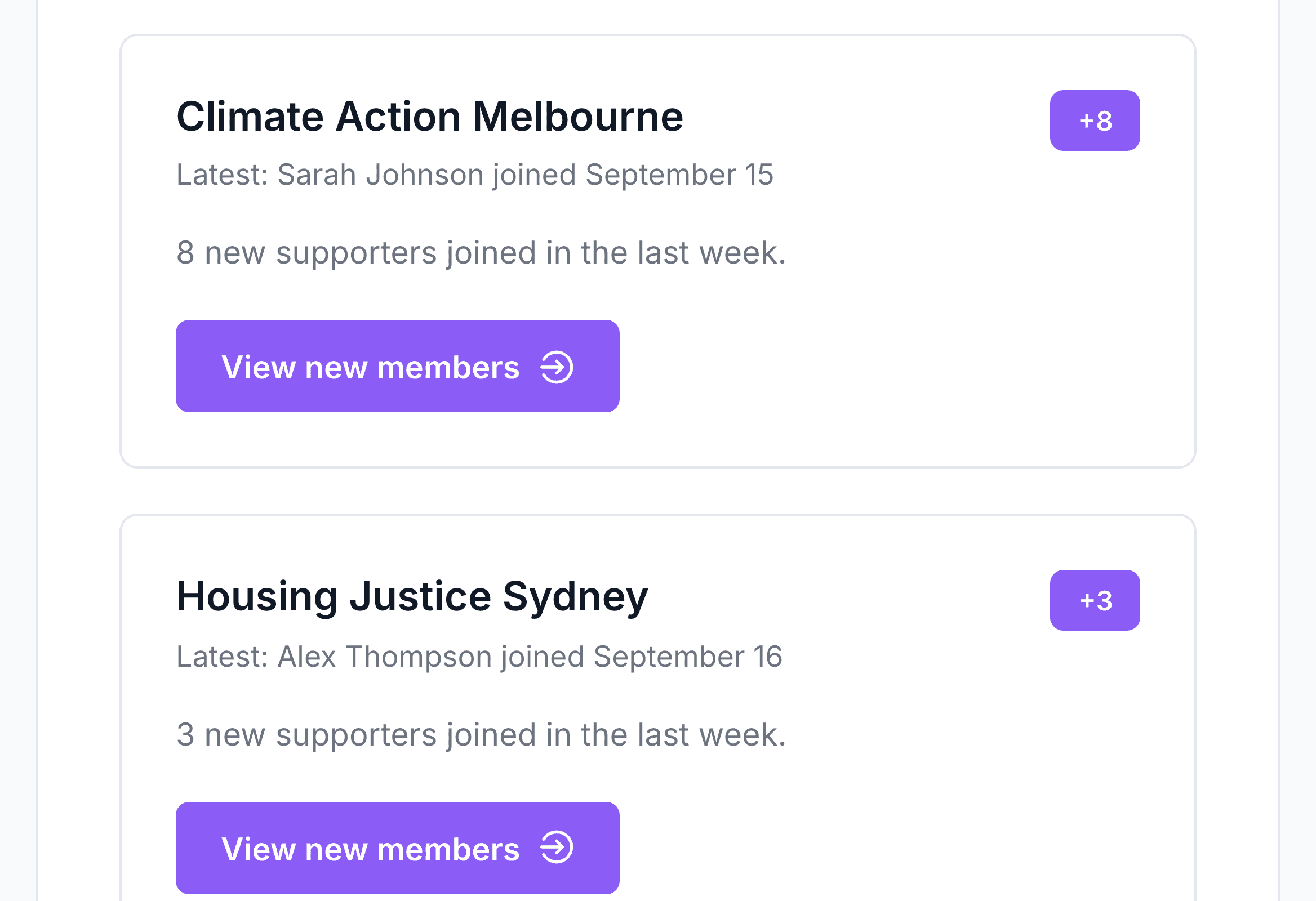
View new members opens that group with a join date filter already applied, so you land on exactly the people who joined that week, not the full group.
Next steps and footer
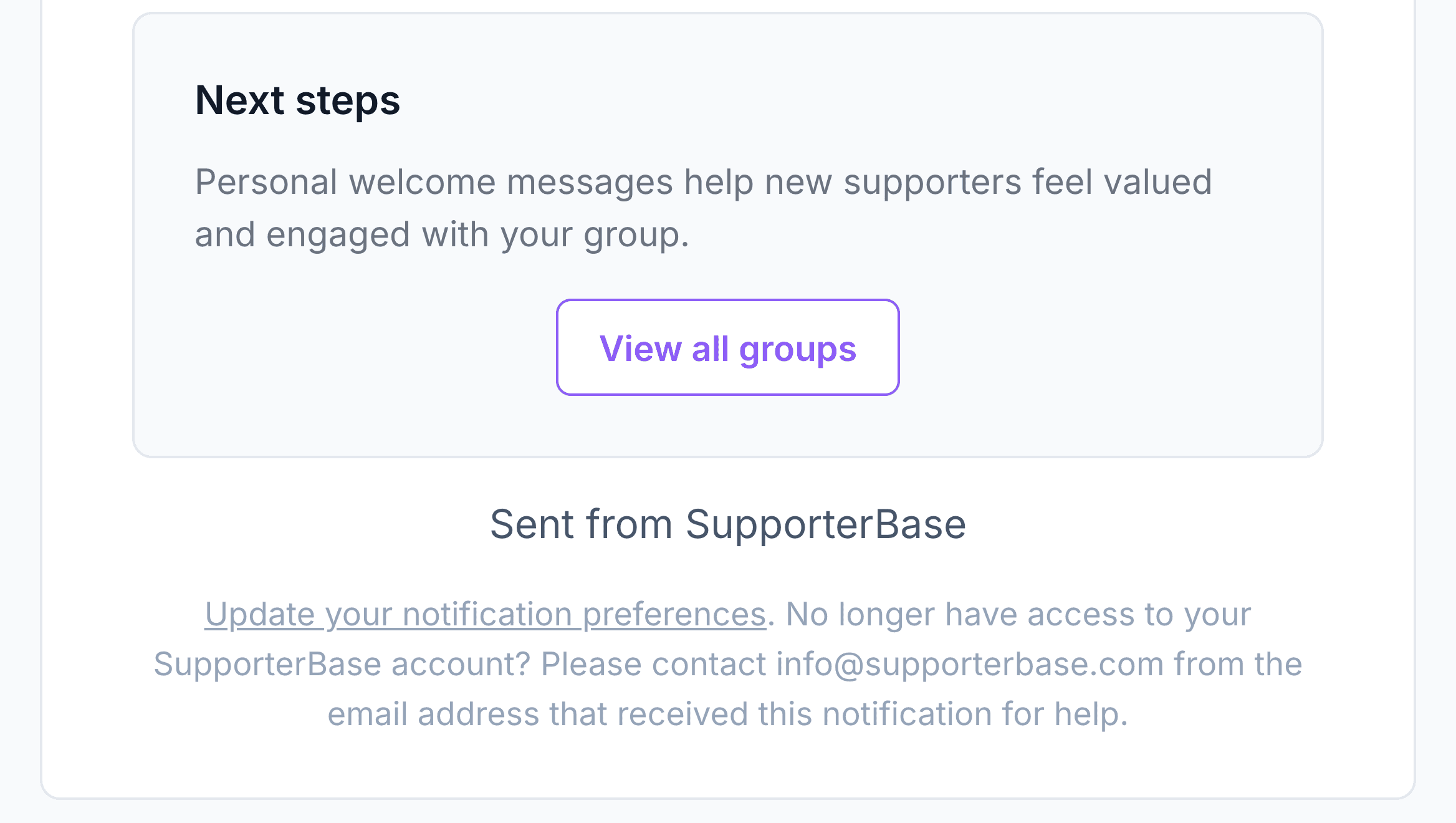
The email closes with a View all groups button and a link to update your notification preferences.
Quiet weeks
Leaders still get an email in a week where nobody joined. The subject reads "Weekly group update: no new members this week", and the monthly impact figures are still included.
If a leader is not receiving it
Work through these in order:
| Check | What to do |
|---|---|
| The setting is off | An admin turns on Send weekly new group members digest email to leaders under Settings > Configurations > General. |
| They are not a group leader | The digest only goes to captains and vice-captains. See Manage volunteer leaders. |
| Their notifications are off | Each leader needs I wish to receive notifications ticked on their own profile. They can check it by clicking their name in the left-hand menu, then Edit your profile. |
Further reading
Welcome new sign ups
Individual sign-up notifications, point people, and tracking join dates.
Configurations
Every toggle in Settings > Configurations, including this one.
Notifications and approvals
How SupporterBase decides who gets notified about what.
Manage volunteer leaders
Assign captains and vice-captains to the groups they lead.